I had a walk today and according to some of the photos, the sky was actually visible. It felt sad and gloomy.
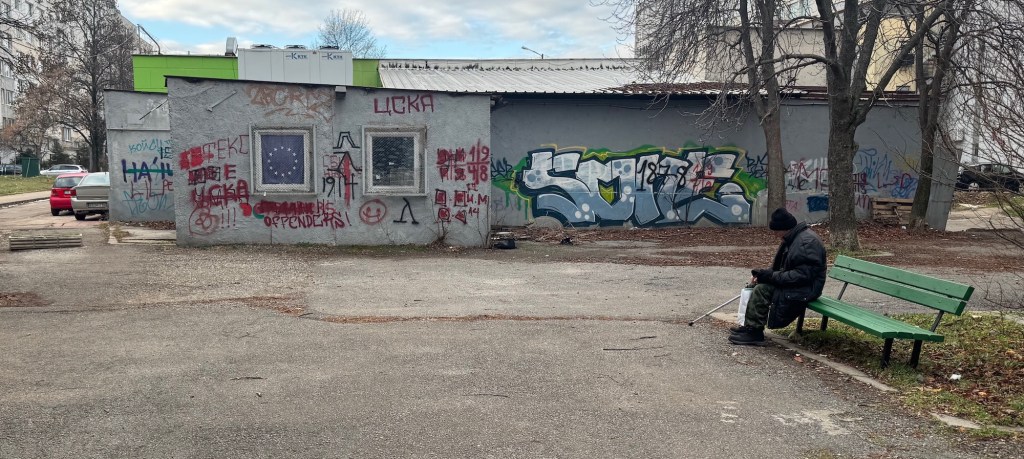
Mladost
This is from my neighborhood, I want to go to that place and just paint over. However, there’s a school nearby, so it’s a lost cause.
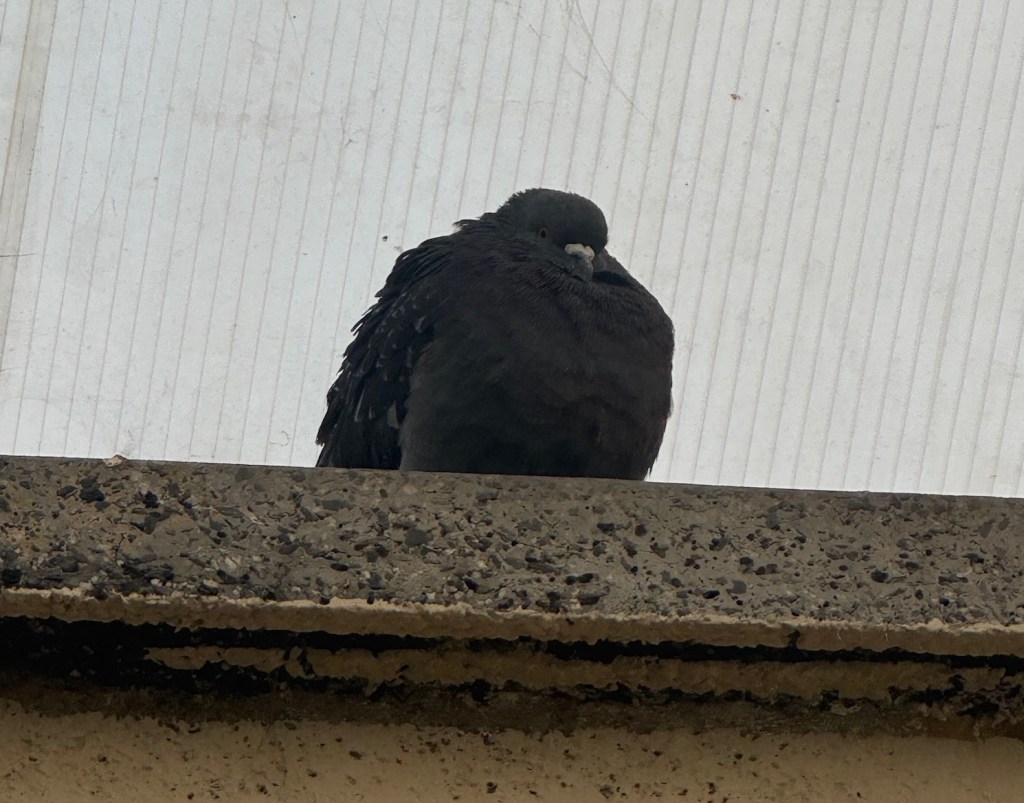
This is what I think about the weather
Essentially me.
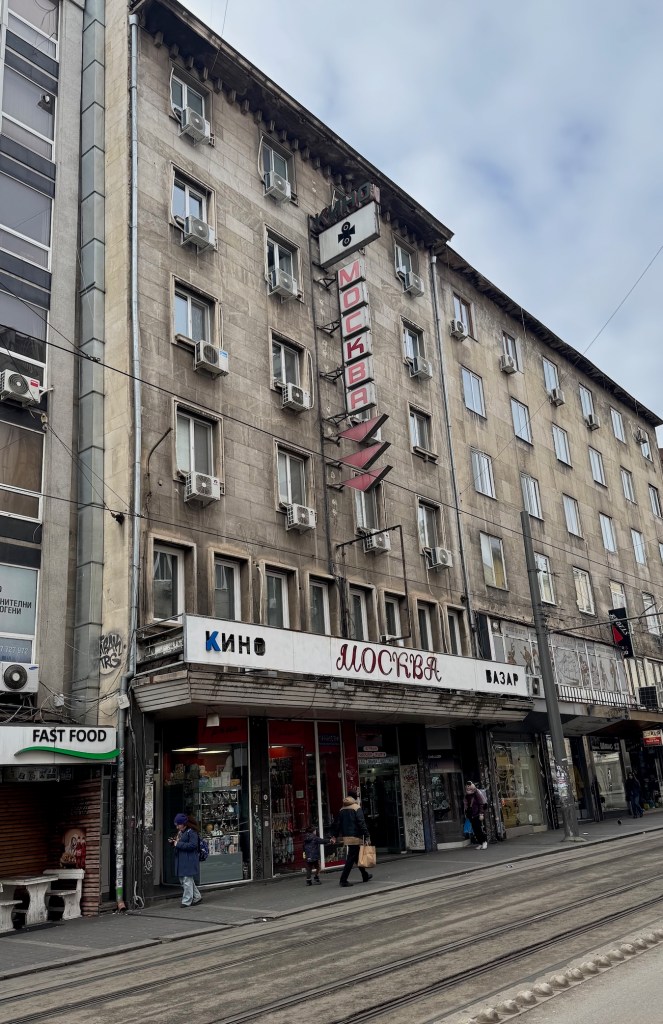
Moskva
Moskva means Moscow in Bulgarian. The owners didn’t dare to remove these socialist signs. This was once a cinema. However, when I first went to a cinema in the mid-80s, I think it had already closed. There used to be another cinema on the opposite side of the street, which functioned until the early 90s, and was fine. It’s now a supermarket.
Overall, had a nice walk of almost 15K steps. Couldn’t capture any optimistic photos but I think these are pretty in their own way.
Sofia can give you moments of color and beauty that only exist for brief moments here and there, and only to the people who go out and look. Get behind the wheel and none of that exists. Here are a few moments from my morning walk.
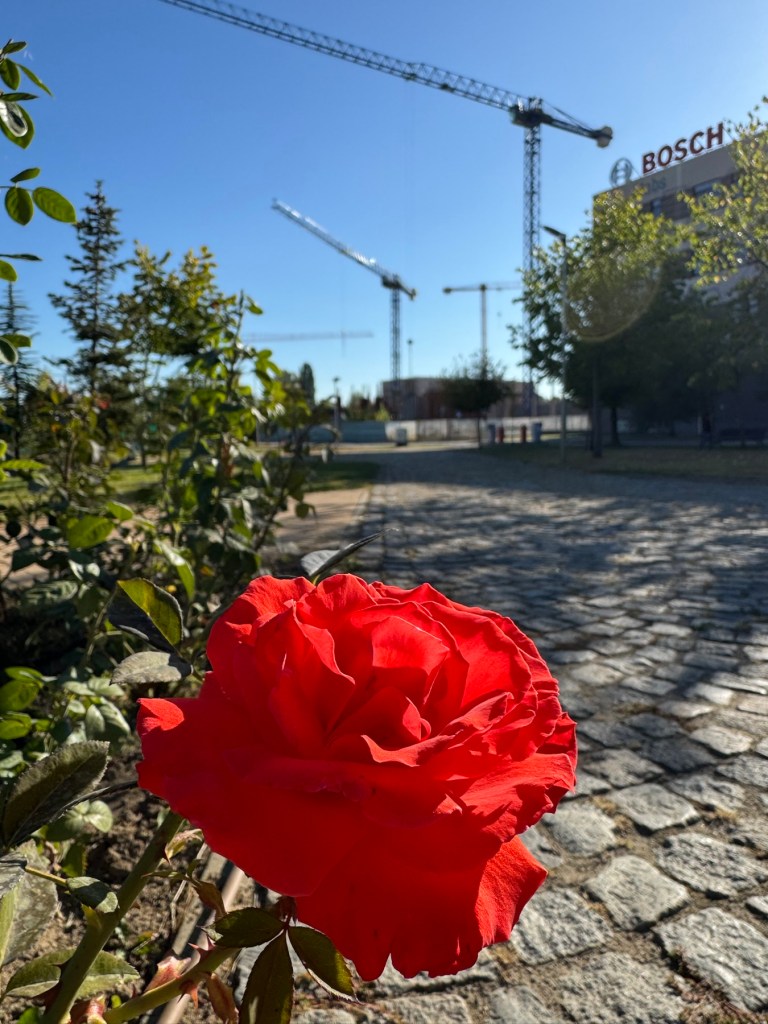
A rose in Sofia Tech Park. Behind – a trace from the real-estate bubble. Not far is the cosplay party G-fest where colorful young people are doing whatever they’re doing. I don’t understand it but their outfits are pretty.
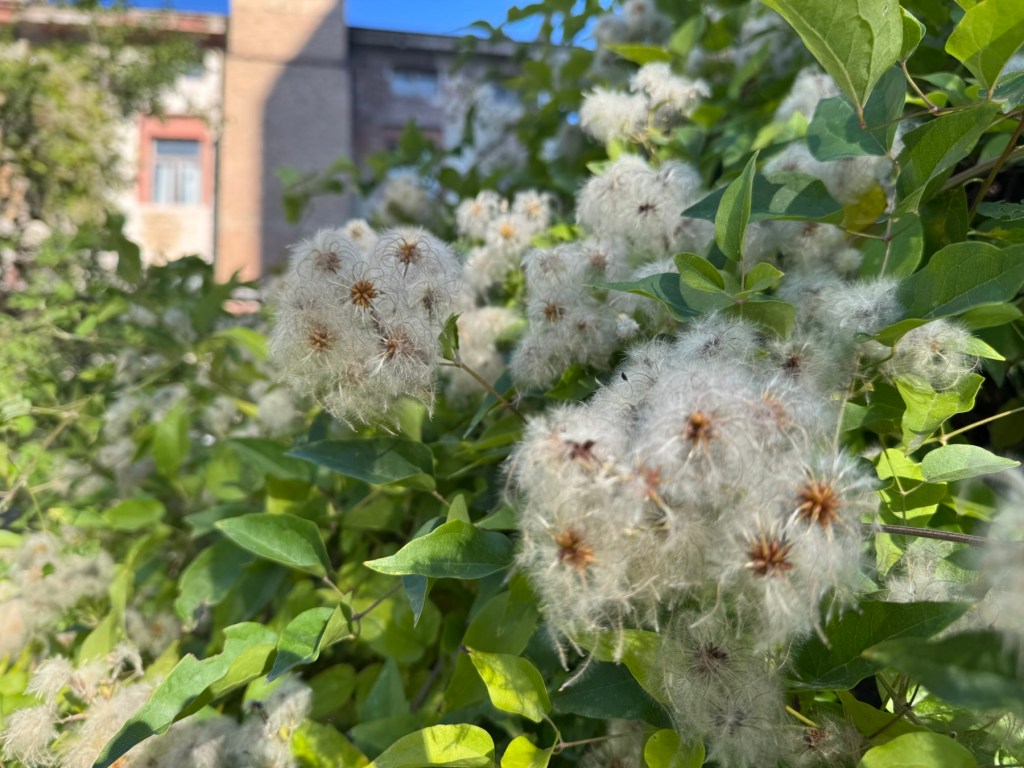
2. A semi-abandoned building near Bulgarian Academy of Science. My usual path doesn’t go there but a door was closed and locked with a padlock. I needed it to be open. So I had to walk around and saw it. These little puffy things? There were a million of them.
3. The beekeeper
Someone is producing honey near BAS. Not sure how that works in an urban area with a very high population density, but as you see from the photo, it happened. These things are hives.
Sofia has the tendency to turn into a jungle and does it here and there. I guess, the bees thrive in those islands wilderness.
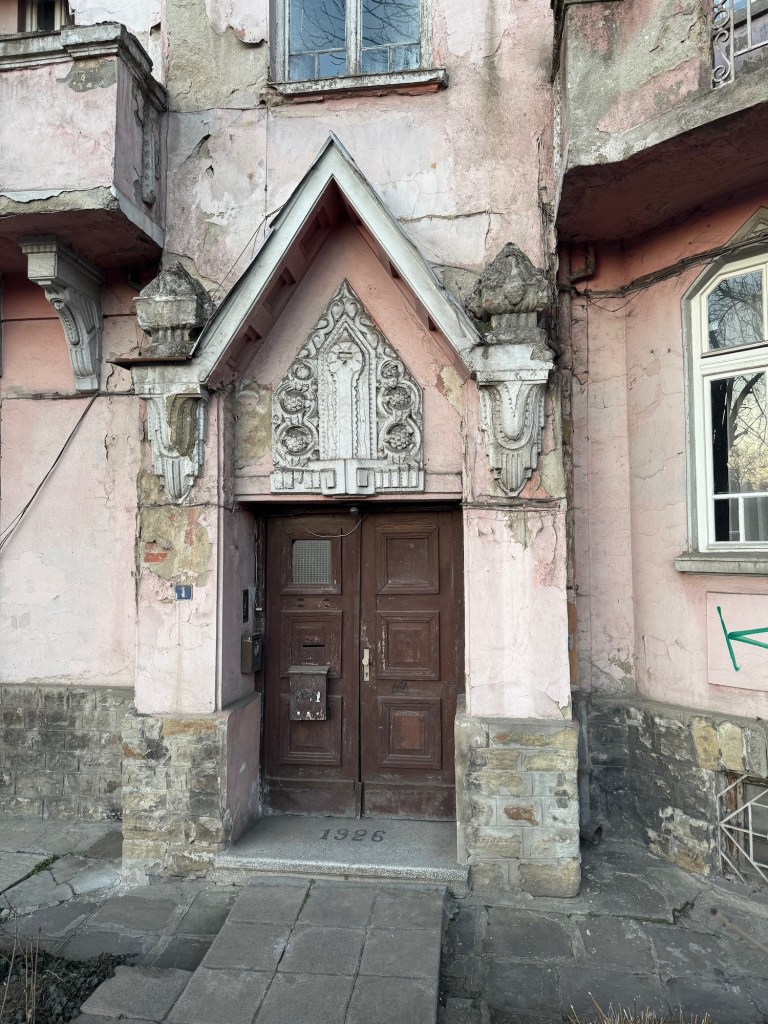
One of the most important boulevards in Sofia starts with this house. There’s a newer building at the corner, called Tsarevets (Царевецъ), and it’s a symbol of Sofia but it’s Tsarigradsko Shose 1A and was built a year later.
I hope this little pink house gets restored to its full glory one day. Maybe not considered old enough yet.
I have some ideas to share with you, based on my last 24 hours of blogging.
Add Images as Galleries
Have you noticed that when you blog a single image, it’s not clickable and stays small? Like this:
It’s a very large and pretty image but nope, can’t click.
And this is clickable (well, at least clickable from the website veselin.blog):
I used the Image block for the first and the Gallery for the second. So if you want your image to be clickable, use the Gallery instead of Image for single images as well.
You can type /gallery in the editor to quickly find the block. It will appear after /ga or /gal.
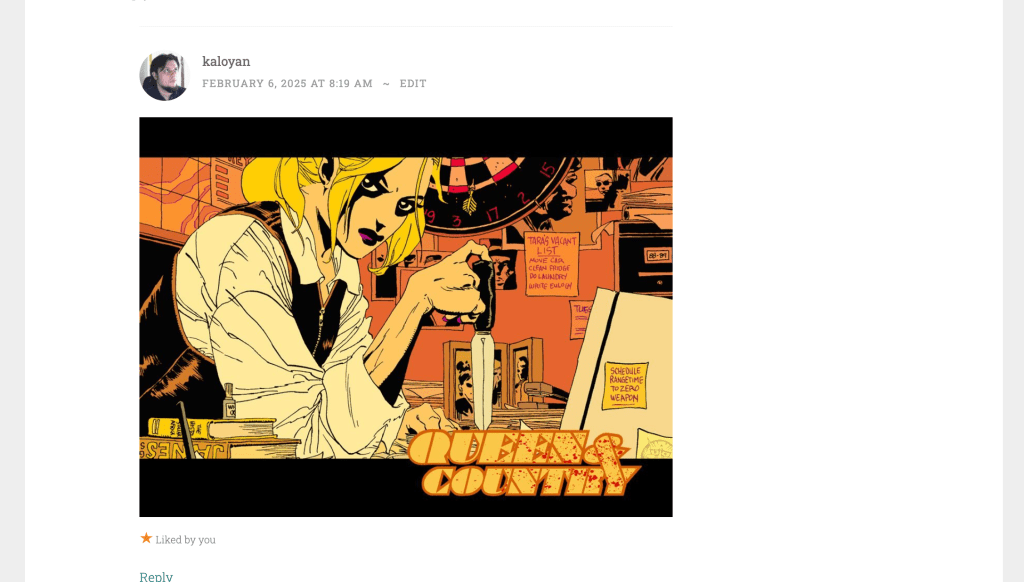
You Can Post Photo Comments
This only works when you go to the person’s site and post a comment from WordPress, and not the Reader or the comment notification. The Gutenberg Editor for comments supports adding an Image block where you can copy/paste an address pointing to an image. Just select reputable sources for your images or they might go away soon.
Use Featured Images for Your Posts
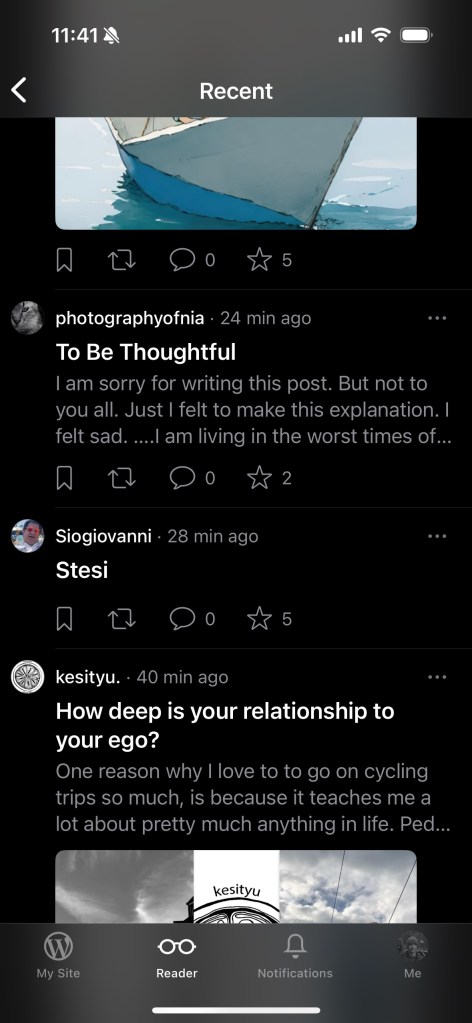
The latest version of the Jetpack Mobile app no longer uses the first image from the post on the Mobile Reader and this will likely cause lower engagement with your posts on Mobile if you don’t manually add featured images. The following screenshot shows 2 posts with a featured image, and two without. Despite having a photo on your site, it will only be viewed after a click. Will anyone click a post called “Stesi” with no explanation and no photo? Probably not.
Note that the web Reader is unaffected and will still show your first image as featured without doing this.
Resize Images Before Uploading
It’s very easy to consume all of your space if you don’t resize the photos before uploading them. The default photos that my phone generates are 5-9MB each. Scaling them down to 2000x1500px makes one photo under 1MB and I can upload more than 1000 photos per GB of used space.
Do you have any tips about using images on your blog?







 Veselin.blog