Building Landing Pages with AI

We had a special month at Automattic that ended last Friday. For a full month, we could form groups of two people and work on whatever we liked, as long as we are in a pair.

I chose 4 projects and ended up working on 3 of them, discarding the 4th – couldn’t get to it. First was the new Writing Prompts, which was relatively low-tech (on the surface) but pretty cool. Seeing people respond to blogging prompts that were my idea is melting my soul.

The second project was around building a way to assemble good looking landing pages with AI quickly.

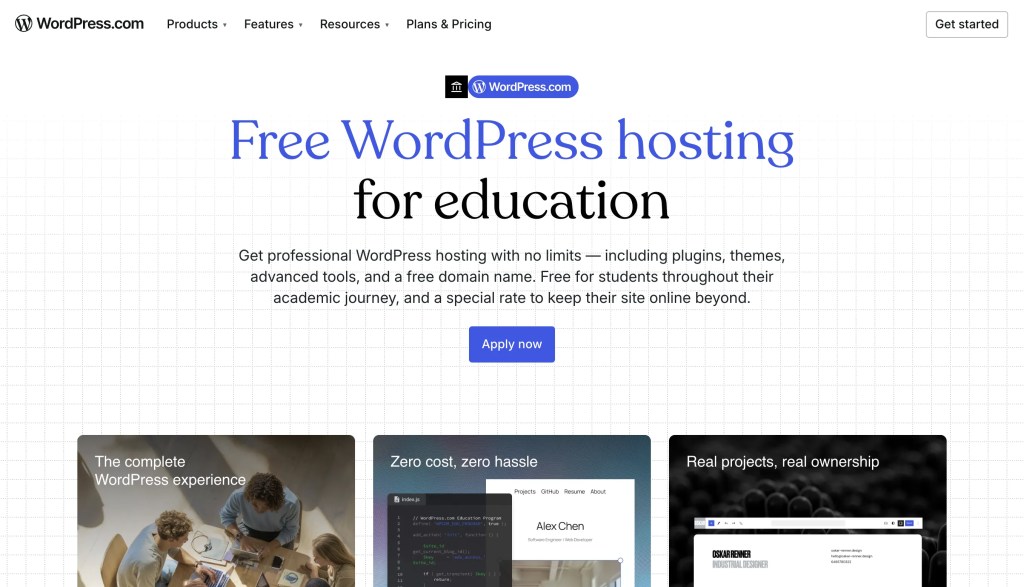
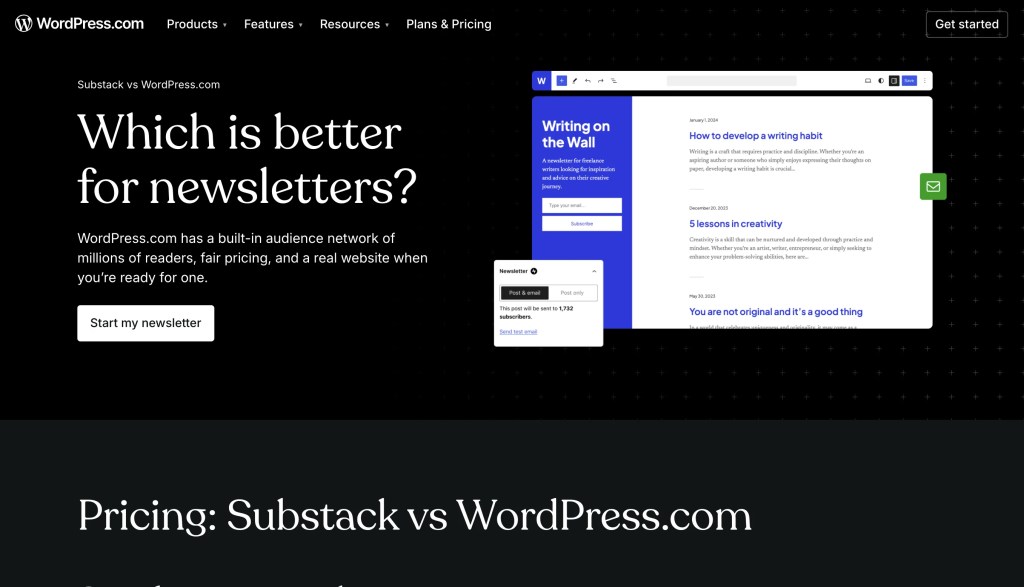
A landing page on WordPress.com is a page that tells a story, highlights a feature, or shows something so it’s discoverable. For example, a colleague runs a program that gives paid plans to students. Another wants to show how WordPress.com compares to a competitor. They write content, the content is then designed, and then the design is turned to an actual page by an engineer.
Landing pages

My team is sometimes responsible for the implementation of these. I didn’t like this type of front-end work and avoided it. A few months ago, we were in a situation in which the demand for new landing pages was high, and the resources for implementing them low, so I was “shoot, if I have to make these, let’s at least offload as much possible to AI”. The first round resulted into something like a vibe-coding flow, the benefit of which was that the work moved from the WordPress editor to Claude Code. But it was still too technical, and required a design (usually in the shape of a Figma document).

My colleague Jordan Hiller came up with the idea to give sense to Claude Code by providing it with a library of pre-designed, ready to use, empty sections that can be filled with text and images, depending on the needs. The technology behind it is Gutenberg Block Patterns. They’ve been around for awhile and can also be used from the editor or the wp cli. However, we expect the usage through a Claude skill to be the primary way to use this work because it doesn’t require expertise when making more advanced tweaks.

It’s an internal tool project. Something to make our lives easier, replace an annoying process with a faster one. The faster process lets you maintain the pages better, update more frequently, apply best practices sooner. Essentially, do more and stay on top of the change requests or avoid them altogether by letting the person who requests the change do it on their own.

Is that going to result into anything you’ll notice? Probably not. But if we’ve done our job well, the new landing pages will be built and updated faster, will load faster, and the colleagues who come up with the content will take the control from engineering.

If you could change one thing in WordPress.com, what would it be?

I’ll likely have the opportunity to fix or improve some unusual things next month, well outside my area of expertise. I’ve been thinking about making Writing Prompts and blogging streaks more interesting 🙂 and I’m looking for other ideas.

Is there one or more changes on WordPress.com you’d love to see? Open to suggestions.

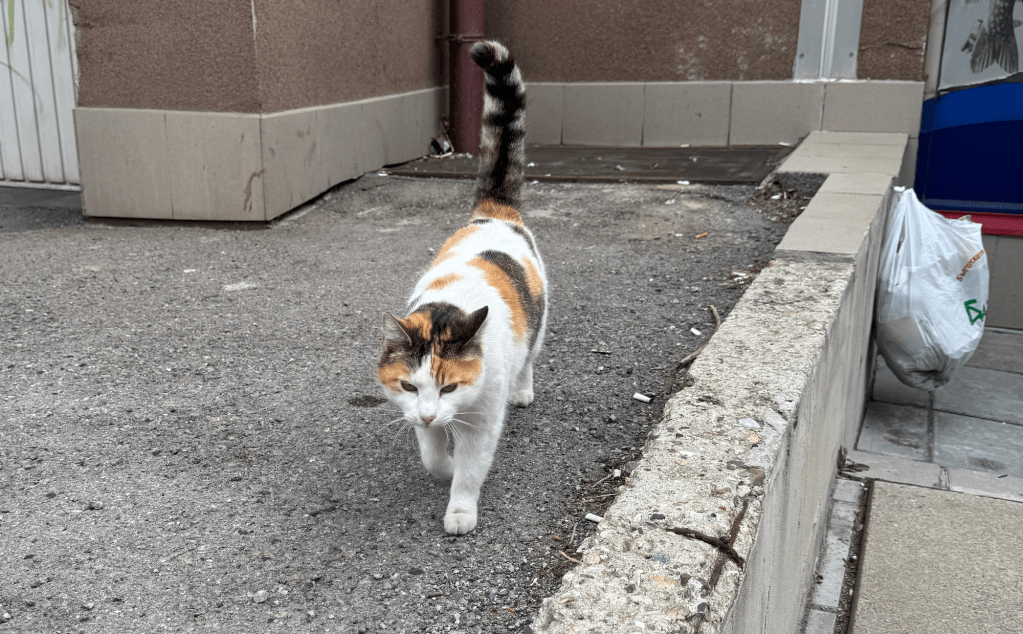
Here’s a cat to grab your attention 🙂

Cool Tips With Images on WordPress.com

I have some ideas to share with you, based on my last 24 hours of blogging.

Add Images as Galleries

Have you noticed that when you blog a single image, it’s not clickable and stays small? Like this:

It’s a very large and pretty image but nope, can’t click.

And this is clickable (well, at least clickable from the website veselin.blog):

I used the Image block for the first and the Gallery for the second. So if you want your image to be clickable, use the Gallery instead of Image for single images as well.

You can type /gallery in the editor to quickly find the block. It will appear after /ga or /gal.

You Can Post Photo Comments

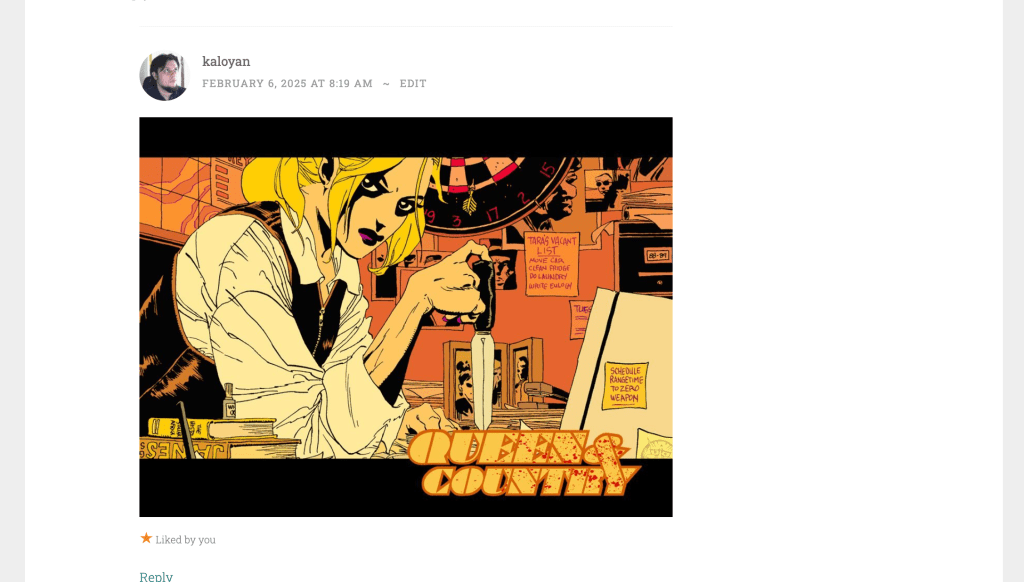
This only works when you go to the person’s site and post a comment from WordPress, and not the Reader or the comment notification. The Gutenberg Editor for comments supports adding an Image block where you can copy/paste an address pointing to an image. Just select reputable sources for your images or they might go away soon.

Use Featured Images for Your Posts

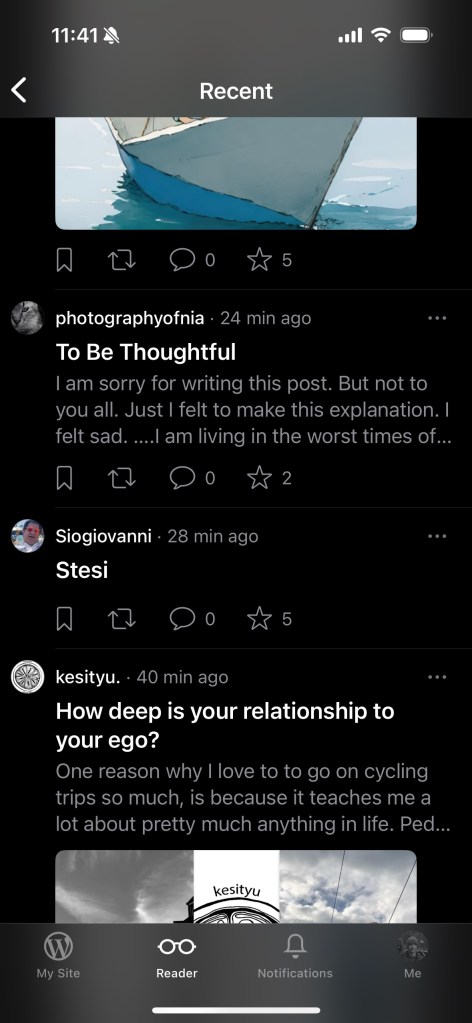
The latest version of the Jetpack Mobile app no longer uses the first image from the post on the Mobile Reader and this will likely cause lower engagement with your posts on Mobile if you don’t manually add featured images. The following screenshot shows 2 posts with a featured image, and two without. Despite having a photo on your site, it will only be viewed after a click. Will anyone click a post called “Stesi” with no explanation and no photo? Probably not.

Note that the web Reader is unaffected and will still show your first image as featured without doing this.

Resize Images Before Uploading

It’s very easy to consume all of your space if you don’t resize the photos before uploading them. The default photos that my phone generates are 5-9MB each. Scaling them down to 2000x1500px makes one photo under 1MB and I can upload more than 1000 photos per GB of used space.

Do you have any tips about using images on your blog?

The Reader Council

There’s a new initiative by Dave Martin, WordPress.com’s lead of the new Social team called Reader Council. The Reader Council will be a p2 blog dedicated to hearing the community requests for Reader improvements and bugfixes. I’m very happy that this is happening and I hope it makes the Reader better, and our blogs cooler.

How to turn off notifications for likes

I pushed myself to blog more and the blog started getting likes. I really enjoy receiving these. I hit a bug of a kind, though. There is a way to violently like someone’s site. I’ve not figured out where it stands in the netiquette. Getting one or 5 likes feels great but getting 20 feels like an alien invasion.

So, about a week ago I went to https://wordpress.com/me/notifications and did this to myself:

After 3-4 very quiet days, I went back and turned them on, except for the likes on comments.

Not sure what to do, will leave the decision for some other moment.