Cool Tips With Images on WordPress.com

I have some ideas to share with you, based on my last 24 hours of blogging.

Add Images as Galleries

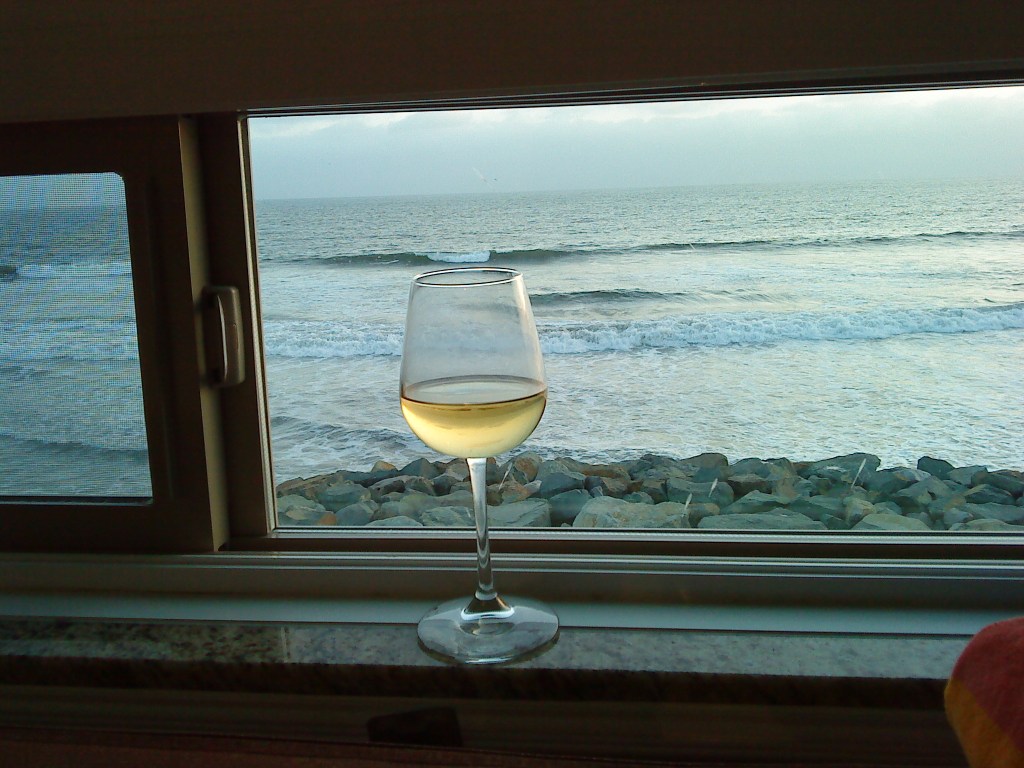
Have you noticed that when you blog a single image, it’s not clickable and stays small? Like this:

It’s a very large and pretty image but nope, can’t click.

And this is clickable (well, at least clickable from the website veselin.blog):

I used the Image block for the first and the Gallery for the second. So if you want your image to be clickable, use the Gallery instead of Image for single images as well.

You can type /gallery in the editor to quickly find the block. It will appear after /ga or /gal.

You Can Post Photo Comments

This only works when you go to the person’s site and post a comment from WordPress, and not the Reader or the comment notification. The Gutenberg Editor for comments supports adding an Image block where you can copy/paste an address pointing to an image. Just select reputable sources for your images or they might go away soon.

Use Featured Images for Your Posts

The latest version of the Jetpack Mobile app no longer uses the first image from the post on the Mobile Reader and this will likely cause lower engagement with your posts on Mobile if you don’t manually add featured images. The following screenshot shows 2 posts with a featured image, and two without. Despite having a photo on your site, it will only be viewed after a click. Will anyone click a post called “Stesi” with no explanation and no photo? Probably not.

Note that the web Reader is unaffected and will still show your first image as featured without doing this.

Resize Images Before Uploading

It’s very easy to consume all of your space if you don’t resize the photos before uploading them. The default photos that my phone generates are 5-9MB each. Scaling them down to 2000x1500px makes one photo under 1MB and I can upload more than 1000 photos per GB of used space.

Do you have any tips about using images on your blog?

365 Days

I challenged myself to do a 365-day blogging streak last year and managed to do it. I have to admit that I messed it up a few times mostly during trips, most recently 2 weeks ago in Agaete.

The blogging streak doesn’t work very well with timezone changes. You can be on a streak, come back home, and the streak is broken 5 times over the last 7 days. So I had to change post dates and slightly cheated to keep it going.

Pleasant Surprise

The Reader is the primary reason why I can keep being motivated to blog. Found many nice folks there, and some found me. It gives me likes and comments I didn’t have with my previous blog, which had better SEO and far more visitors.

The Reader link was rebranded from “Read” to an icon some months ago, which made it less recognizable. It’s now back as a O^O Reader. I’m thankful to the folks who put the text back. I hope more bloggers discover it this way because the tool is quickly improving.

The Reader Council

There’s a new initiative by Dave Martin, WordPress.com’s lead of the new Social team called Reader Council. The Reader Council will be a p2 blog dedicated to hearing the community requests for Reader improvements and bugfixes. I’m very happy that this is happening and I hope it makes the Reader better, and our blogs cooler.

WordCamp Sofia 2024

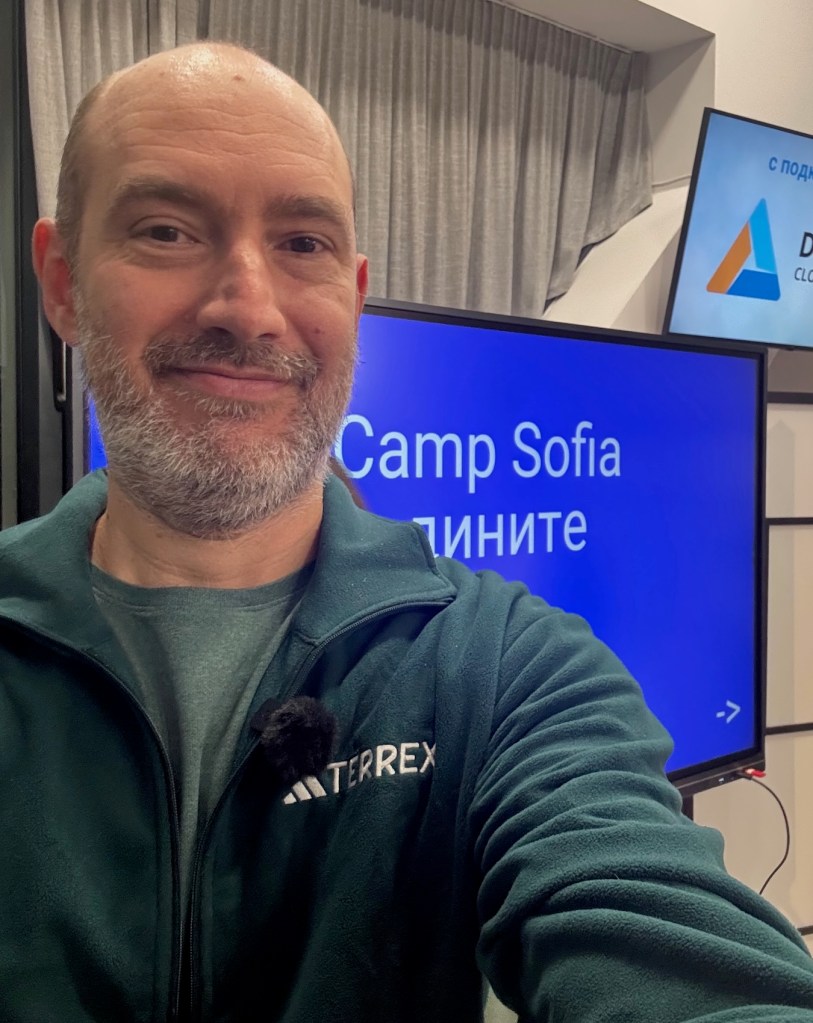
I joined WordCamp Sofia 2024 this weekend by responding to the call for organizers.

WordCamp Sofia will be held on 24th of November in Sofia Tech Park.

I’ve been out of touch with the local community for years. My last WordCamp where I was part of the team was WordCamp Europe 2018 in Belgrade. Wanted to do Varna 2019 but it was cancelled due to Covid, and never returned to the WordCamp work after that. Sadly, I even missed the WCEU in Athens, which is reachable by car from Sofia.

I’m thankful that the organizers welcomed me to the team. I hope I didn’t forget how this type of work is done and will be able to help. It’s been awhile.